

Overview
Integrations connect Coyote Measurement to external systems so data flows in automatically — dispatch tickets, spreadsheets, accounting, and custom webhooks — instead of manual copy and paste.
Open Admin → Integrations in the app to install, configure, test, and schedule each integration.
Available integrations
| Integration | Purpose | Status |
|---|---|---|
| LoadCall | Import dispatch tickets from LoadCall | Available in app (see Integrations page) |
| Webhooks | Receive data from external systems via HTTP | Webhooks |
| QuickBooks | Sync accounting data | QuickBooks |
| Google Sheets | Import rows from a spreadsheet | Google Sheets |
| Google Docs | Preview structured extraction from documents | Google Docs — preview only |
Google Integrations
Coyote includes a Google Integrations group for importing data from Google Workspace:
- Google Sheets — connect a spreadsheet and map columns to transactions, external tickets, partners, or products. Supports public sheets (link only) or private sheets (Google OAuth).
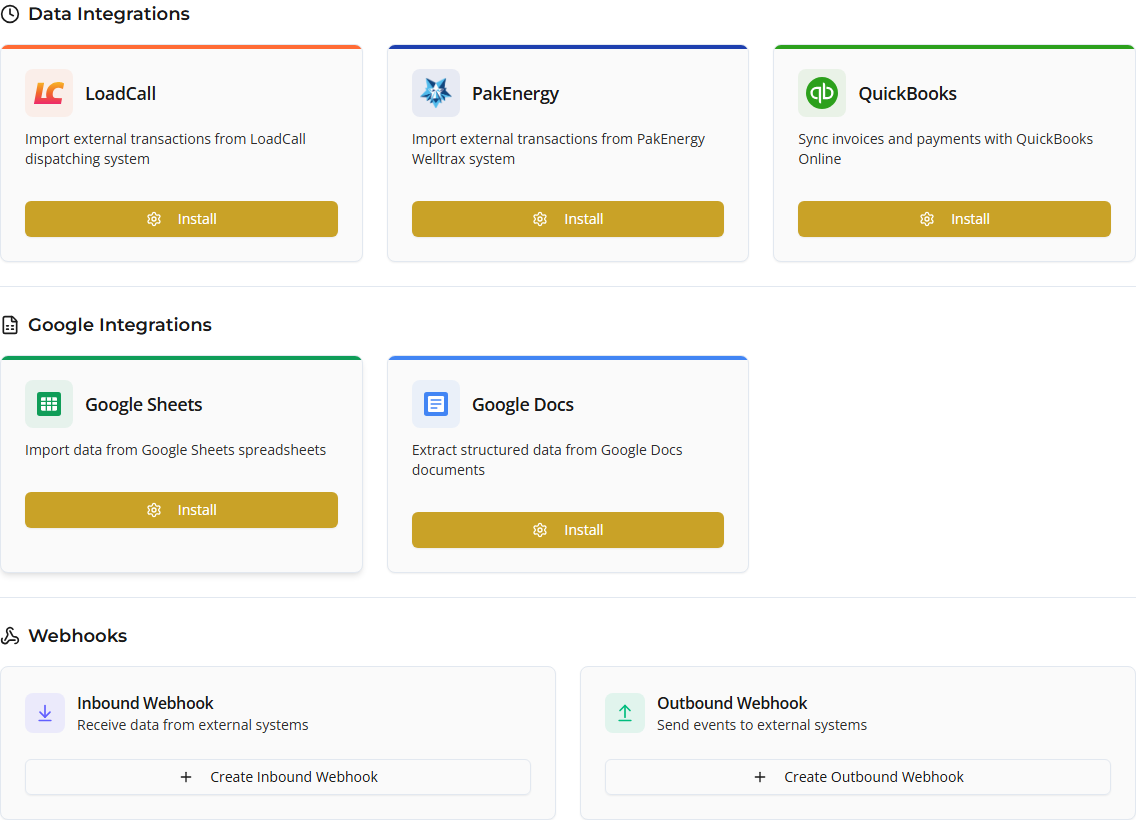
- Google Docs — preview configuration and private-document extraction; extracted records are not yet written into Coyote entities.
Both appear under Google Integrations on the Integrations page in the app.
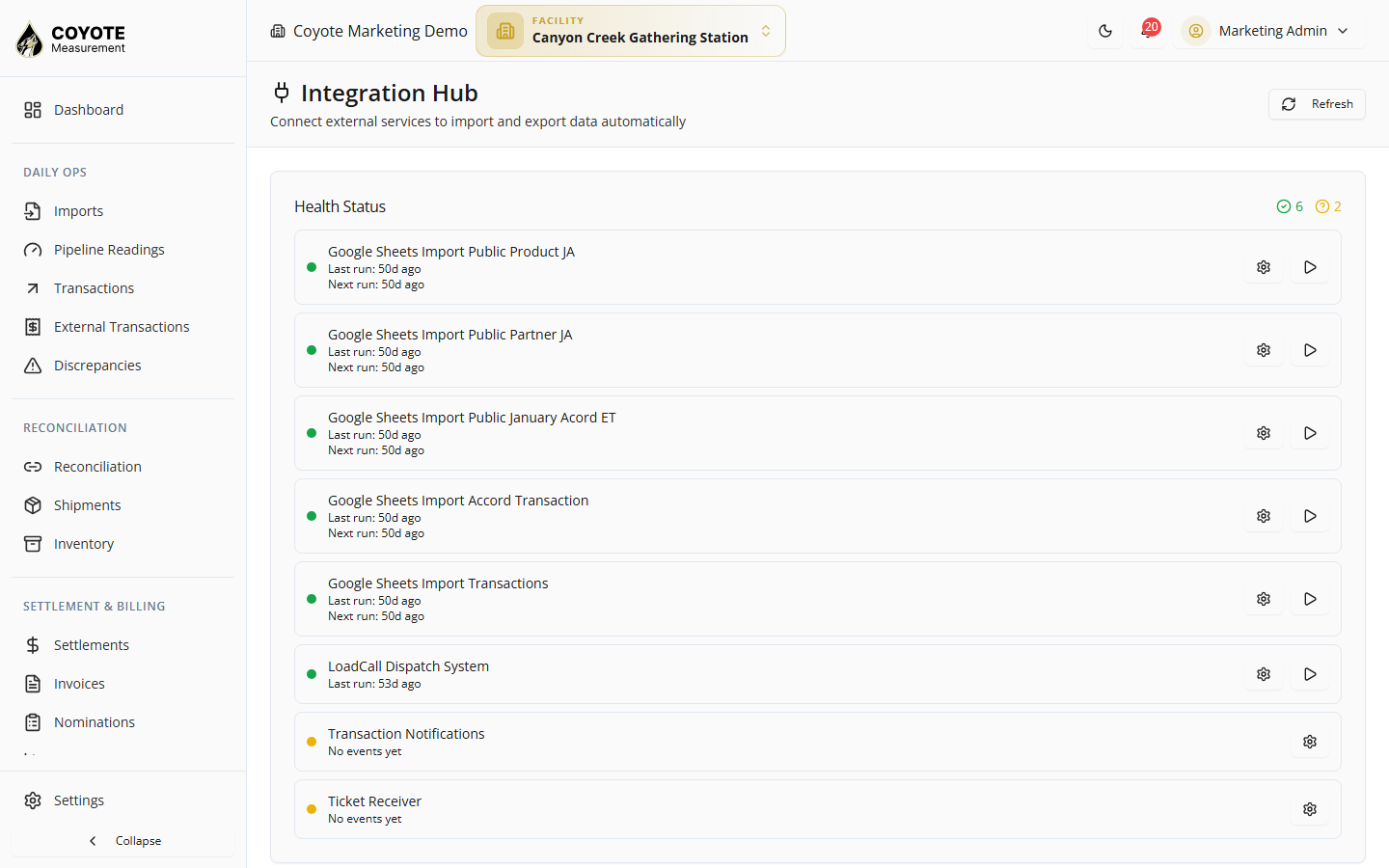
Common setup pattern
Most data integrations follow the same steps:
- Install / Configure — enter credentials or connect OAuth
- Test connection — preview sample rows before saving
- Scheduling — set a cron schedule for automatic imports (optional)
- Run history — review past sync runs and errors
Permissions
Integration management typically requires org:integrations:list, org:integrations:create, and related org-level integration permissions. Your administrator assigns these through Users and roles.
Related topics
- Managing Imports — terminal file imports (TransLog, LACT, pipeline)
- Google Sheets — spreadsheet import setup