

External Transactions
External Transactions are tickets from outside the terminal measurement system — producer statements, LoadCall dispatch, PakEnergy, LACT imports, Google Sheets, or manual entry. You match them to facility transactions so Coyote can reconcile volumes and support settlement.
Open Daily Ops → External Transactions in the app (/external-transactions).
External vs facility transactions
| External Transaction | Facility Transaction | |
|---|---|---|
| Represents | Producer / dispatch / statement side | Terminal measurement side |
| Typical source | LoadCall (external ticket), PakEnergy, Sheets, LACT, manual | Import, LoadCall (transaction), manual |
| Primary goal | Match to a facility load | Reconcile and report |
One external ticket can link to one or more facility transactions through matching.
List page
KPI banner
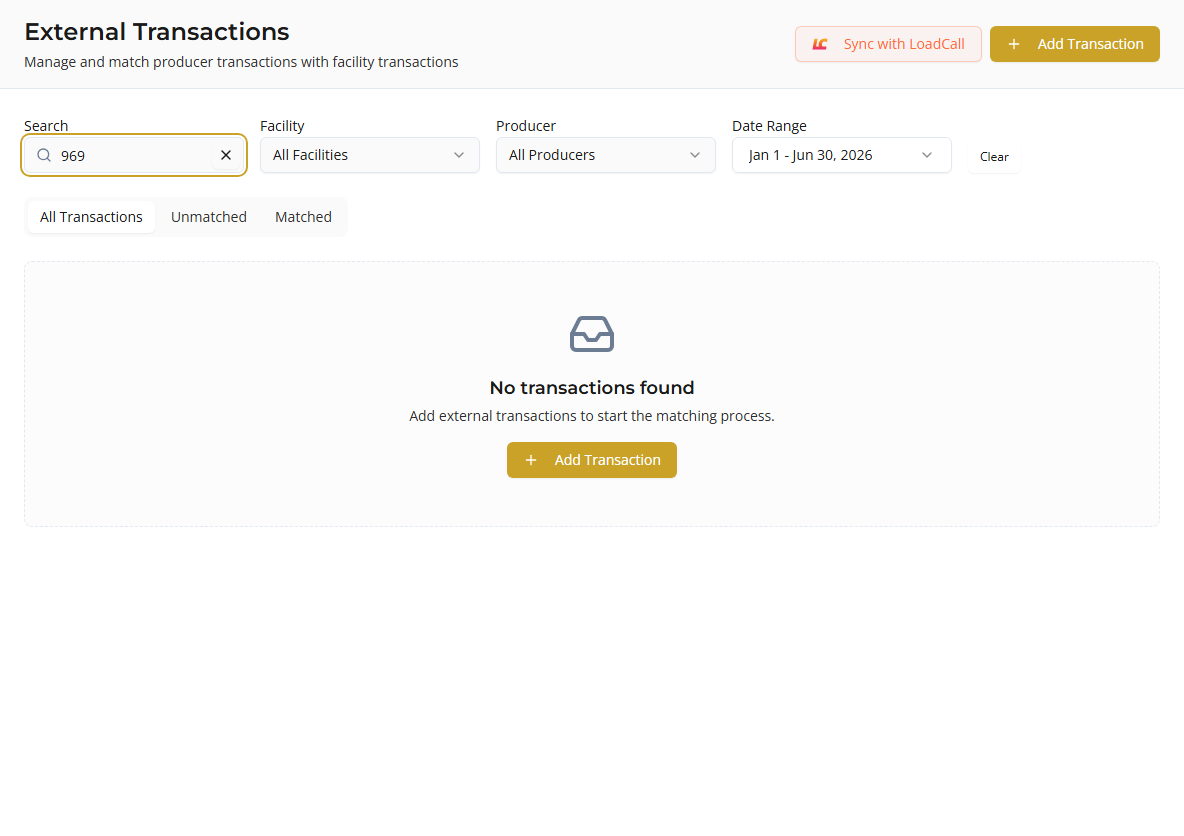
When unmatched tickets exist, a warning banner shows the unmatched count and a Start Matching button (filters to unmatched tab).
Tabs
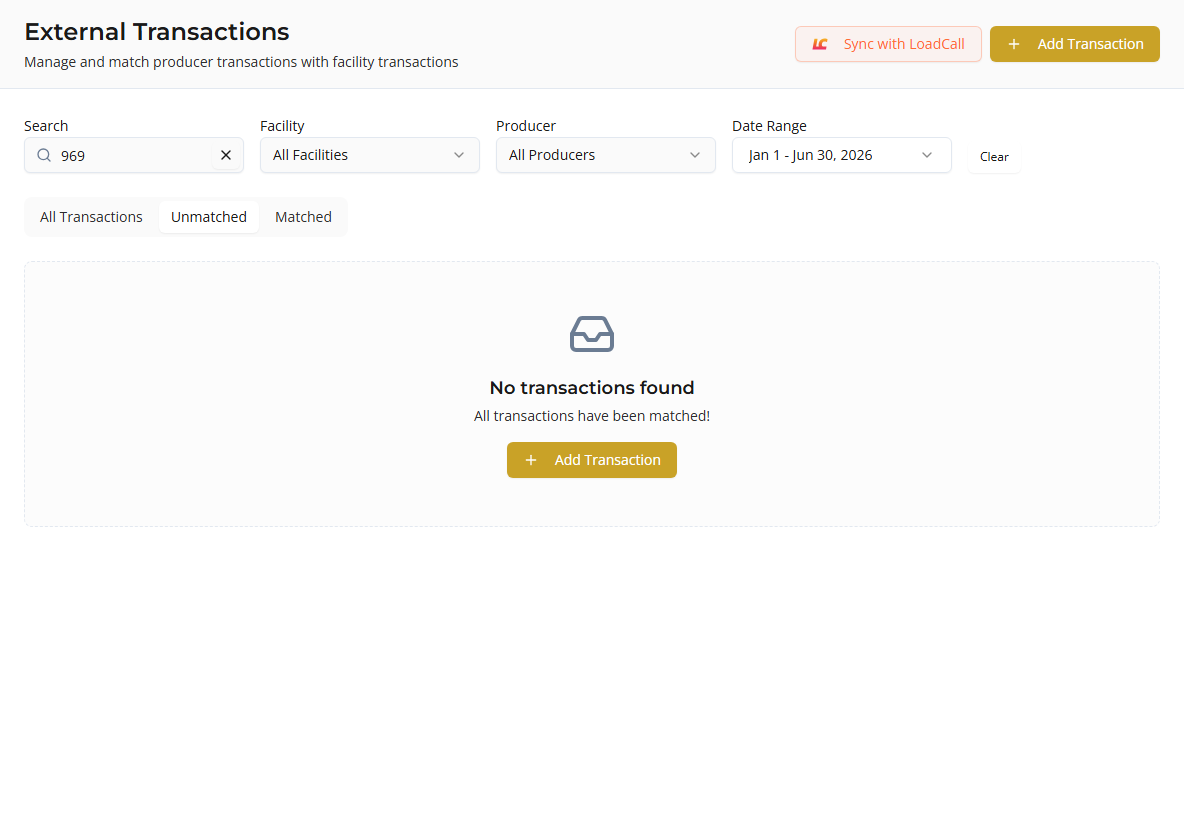
| Tab | Shows |
|---|---|
| All Transactions | Every external ticket in the date range |
| Unmatched | Tickets not yet linked to a facility transaction |
| Matched | Tickets with an active match |
Columns
| Column | Description |
|---|---|
| Ticket # | External ticket number (source badge, Split badge if LoadCall split) |
| Date | Ticket date |
| Producer | Assigned partner; inline assign if missing; LoadCall name hint if different |
| Facility | Assigned facility; inline assign if missing |
| Volume | Stated volume (BBL) |
| Variance | LoadCall loaded vs delivered delta when available |
| Status | Matched or Unmatched |
Filters
| Filter | Description |
|---|---|
| Search | Ticket number |
| Facility | All, one facility, or No Facility Assigned |
| Producer | Filter by producer partner |
| Date Range | Presets or custom range |
Page totals (KPI row)
For the current page: ticket count, unmatched count, total volume, settlement total (LoadCall when present).
Actions
| Action | Description |
|---|---|
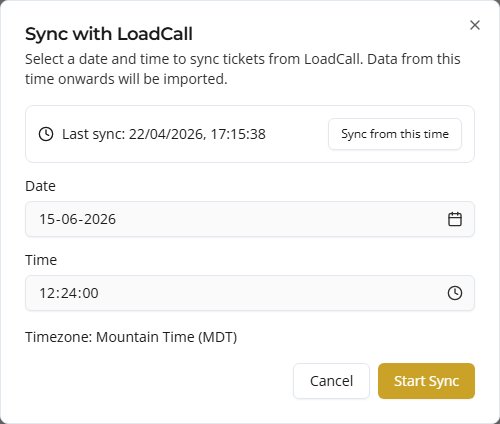
| Sync with LoadCall | When LoadCall uses External Ticket sync target |
| Sync with PakEnergy | When PakEnergy integration is enabled |
| Add Transaction | Manual external ticket entry |
Add external transaction manually
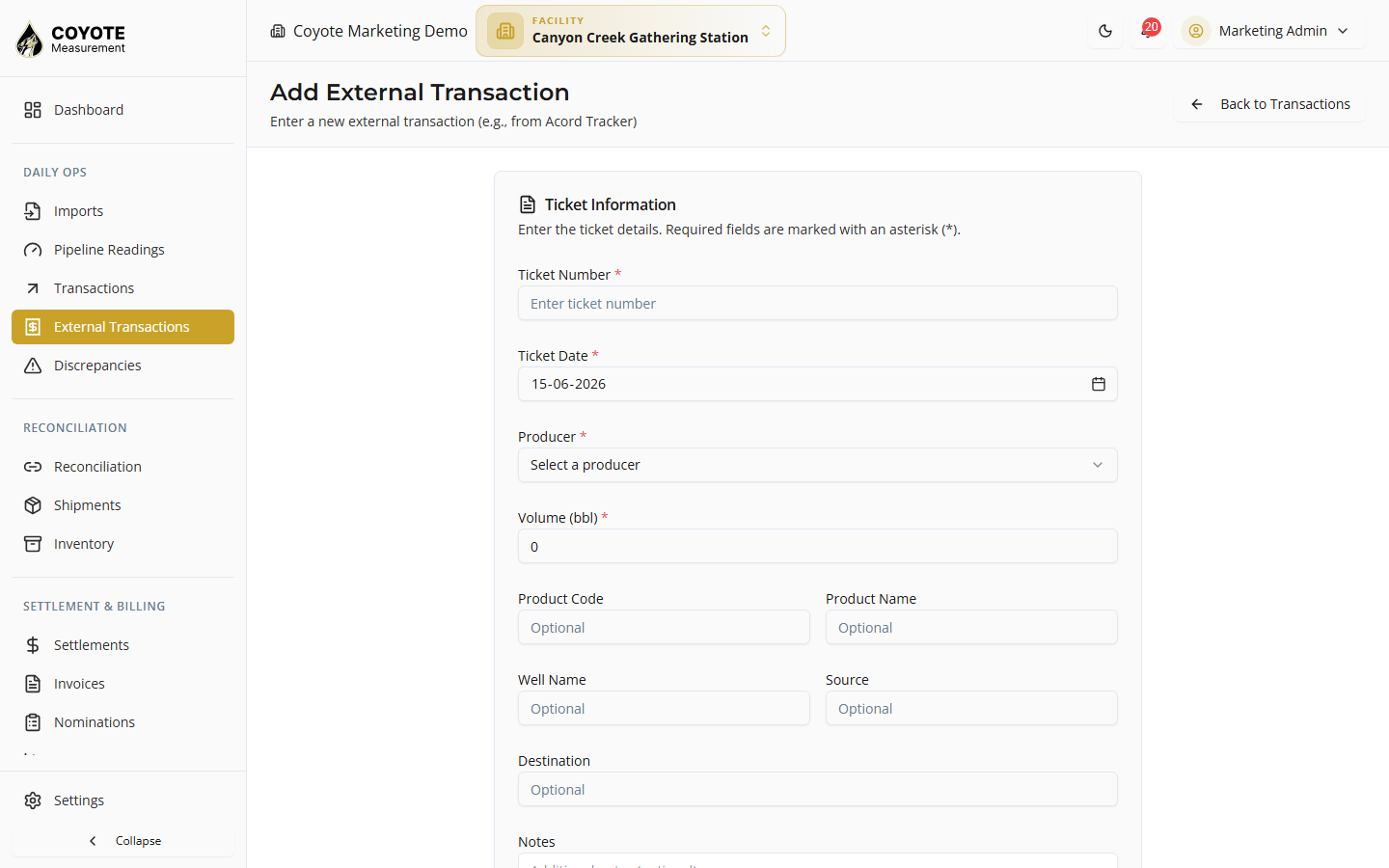
For tickets from spreadsheets or systems without an integration (for example Acord Tracker exports):
- Click Add Transaction.
- Enter ticket number, ticket date, producer, and volume (required).
- Optionally add product, well, destination, source, notes.
- Save.
The ticket appears as Unmatched until you link it to a facility transaction.
External transaction detail
Open a ticket from the list.
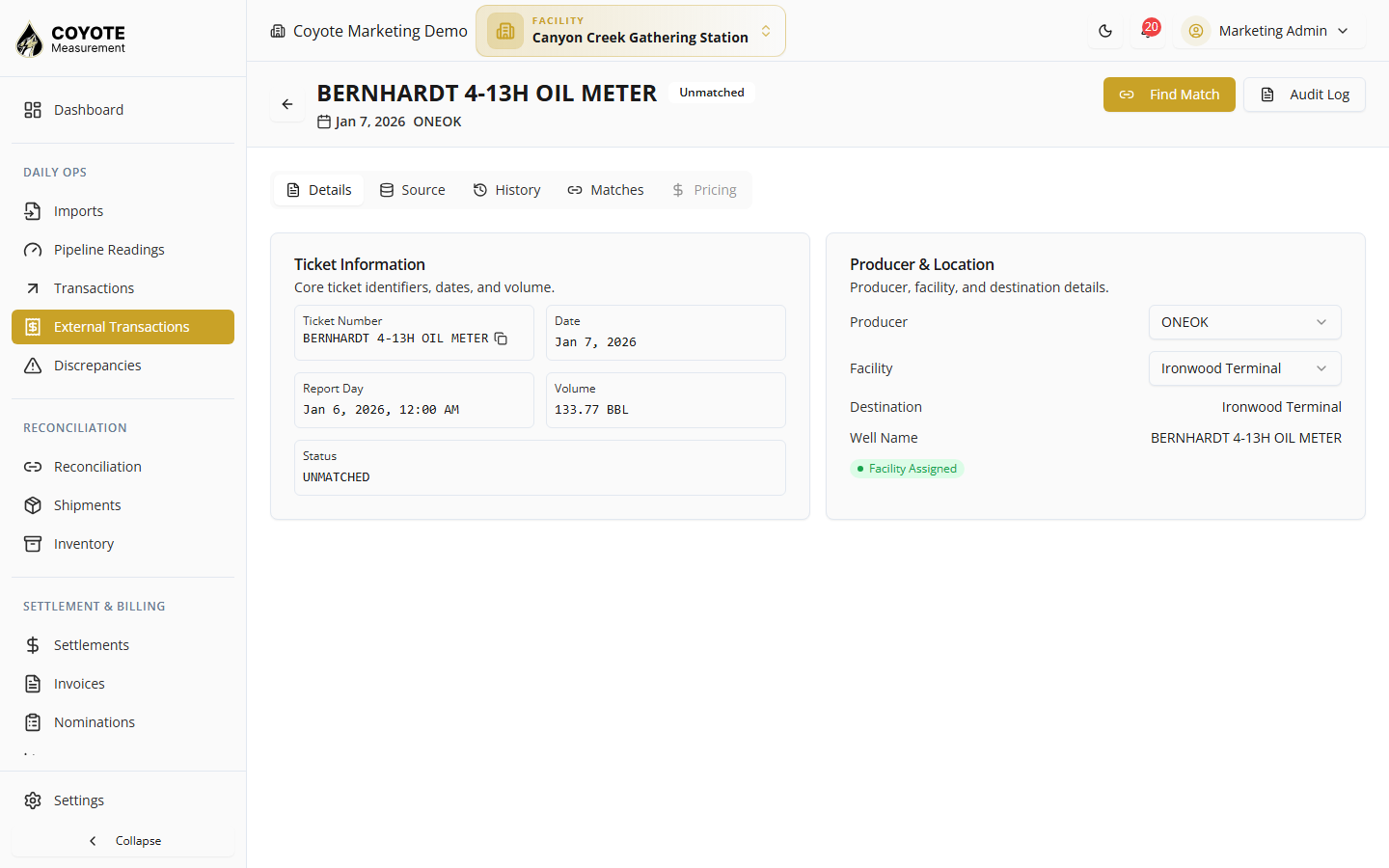
Details tab
- Ticket number, date, volume, producer, facility, product, well, destination
- Driver, truck, trailer when provided
- Quality data — API, temperature, BS&W from normalized payload
- LoadCall financial breakdown — linehaul, fuel surcharge, invoice/settlement totals, miles
- Indicators: matched status, snapshot available, split ticket, facility assigned
Matching
- View existing matches to facility transactions
- Find Match — search facility transactions by ticket, date range, and volume tolerance
- Reject or remove a match when incorrect
Find Match dialog
- Click Find Match on an unmatched ticket.
- Set search, date range (defaults ±3 days from ticket date), and volume tolerance (BBL).
- Select a candidate facility transaction from results.
- Confirm Create Match.
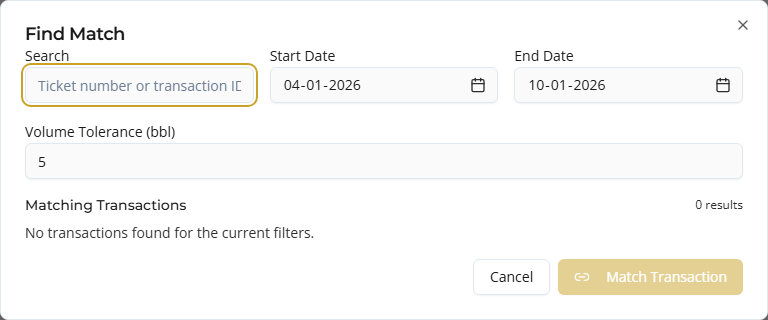
Coyote filters candidates by search and optional volume proximity.
Snapshots tab
Integration imports store snapshots of raw and normalized payload over time. Use snapshots to audit what LoadCall or another source sent on each sync.
Assign producer or facility inline
On the list page, unmatched tickets without a producer or facility show dropdowns to assign values without opening detail.
Matching workflow (recommended)
- Sync or import external tickets (LoadCall, PakEnergy, LACT, Sheets) or add manually.
- Open External Transactions → Unmatched tab (or Start Matching).
- Assign producer and facility where missing.
- Open each ticket → Find Match → link to the correct facility transaction.
- Proceed to Reconciliation to resolve volume or status differences.
Data sources
| Source | Configuration |
|---|---|
| LoadCall | Integration sync target = External Ticket |
| PakEnergy | Admin → Integrations → PakEnergy |
| Producer LACT | LACT import batch on import session |
| Google Sheets | Target entity = External Ticket |
| Manual | Add Transaction |
LoadCall-specific fields
When the ticket came from LoadCall, detail may include:
- Loaded / delivered BBLs and variance
- Split ticket grouping
- Settlement and invoice amounts
- Miles and rate fields
Volume on the external ticket for matching typically uses loaded or delivered barrels per normalization rules — compare to facility net volume in Find Match.
Permissions
| Action | Permission |
|---|---|
| List external tickets | facility:external-transactions:list |
| View / update ticket | facility:external-transactions:view |
| Create ticket | facility:external-transactions:create |
| Create / reject / delete match | facility:external-transactions:match |
Troubleshooting
| Issue | Fix |
|---|---|
| No tickets after sync | Confirm integration sync target (External Ticket vs Transaction); check run history |
| Cannot find match | Widen date range; increase volume tolerance; verify facility transaction exists and is approved |
| Producer name differs from partner | Assign correct producer partner; LoadCall name shown as “from:” hint |
| Ticket stuck unmatched | Open detail → Find Match manually; verify ticket number and date align |
| Wrong match | Reject or delete match on detail page; re-match |
Related topics
- Overview — how external and facility transactions fit together
- Transactions — facility loads to match against
- Reconciliation — after matching
- Integrations — LoadCall, Google Sheets, PakEnergy setup