

Overview
After imports are approved, operational data lives in two related areas under Daily Ops in the app:
| App menu | What it is |
|---|---|
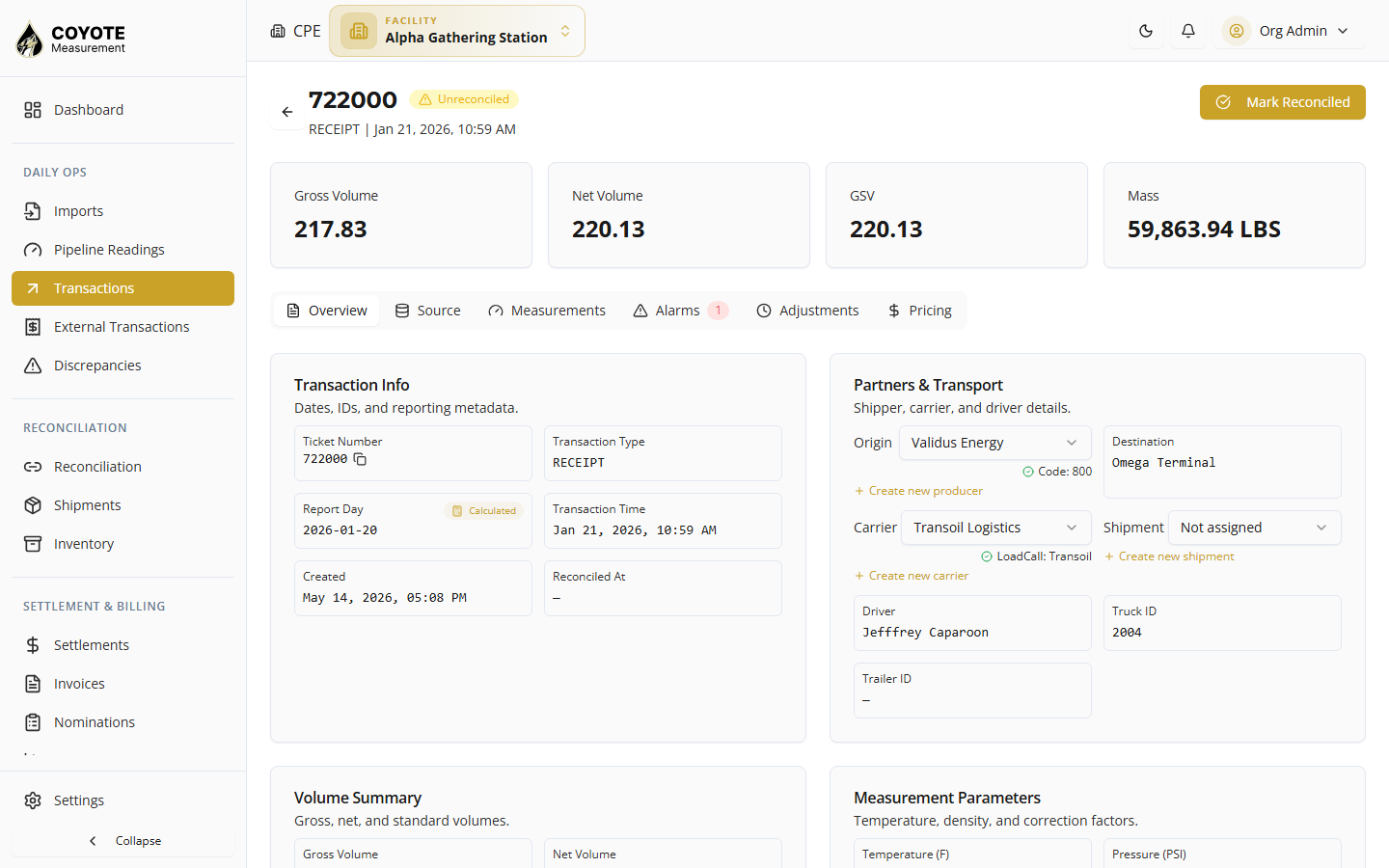
| Transactions | Facility transactions — measured truck loads at your terminal (the system of record for volumes, bays, and reconciliation) |
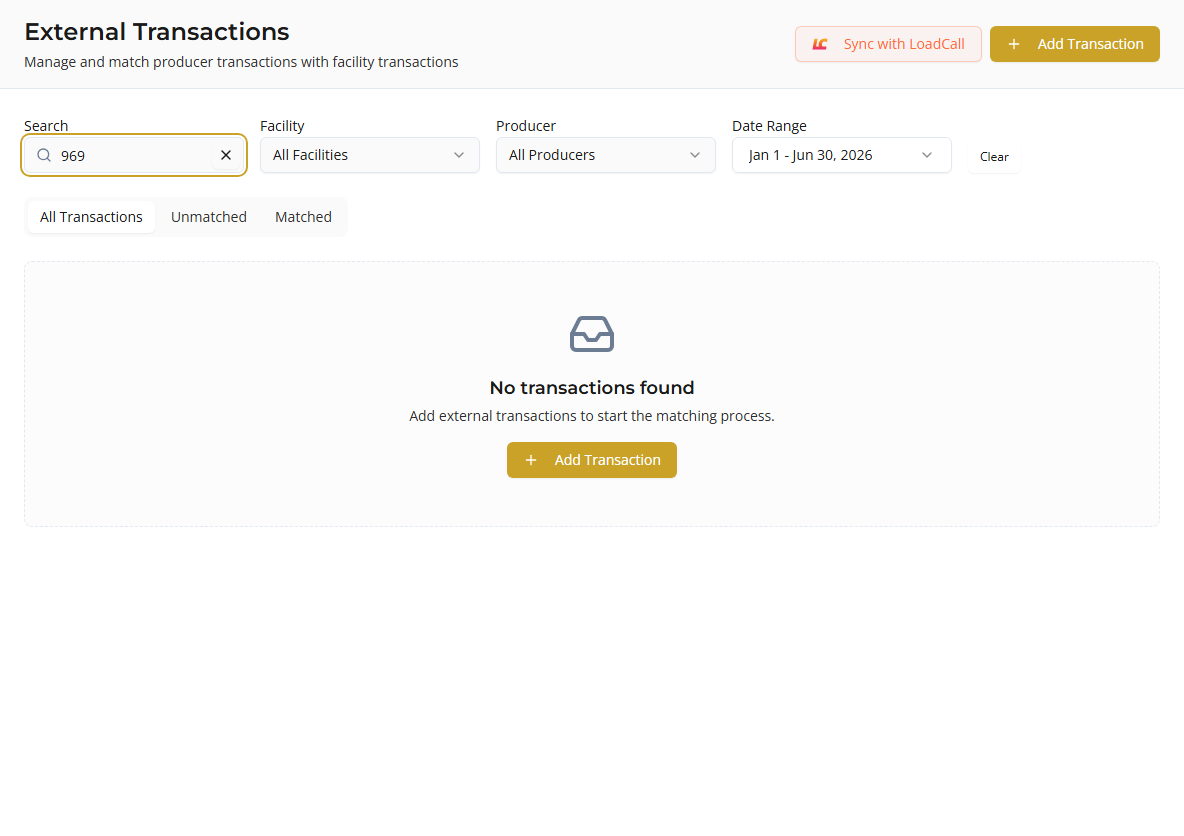
| External Transactions | Producer / third-party tickets — data from LoadCall, PakEnergy, Google Sheets, LACT imports, or manual entry, used to match against facility transactions |
Together they support producer reconciliation: terminal loads on one side, producer or dispatch tickets on the other.
How they relate
flowchart LR A[Import bay files] --> B[Transactions] C[LoadCall / Sheets / LACT / Manual] --> D[External Transactions] B <-->|Match| D B --> E[Reconciliation & Reports] D --> E- Facility transactions come mainly from approved imports (TransLog per bay) or New Transaction.
- External transactions come from integrations configured for external tickets or manual Add Transaction.
- Matching links an external ticket to a facility transaction (same load, different source).
- Reconciliation compares matched pairs and flags volume or status differences.
When to use which screen
| Task | Go to |
|---|---|
| View today’s truck loads at the terminal | Transactions |
| Find a ticket by bay, producer, or report day | Transactions |
| Review LoadCall or producer statement tickets | External Transactions |
| Link a producer ticket to a terminal load | External Transactions |
| Create a missing terminal load | Transactions — New Transaction |
| Enter a producer ticket not from an integration | External Transactions — Add Transaction |
Data sources
Facility transactions
- Approved import sessions (bay TransLog / CSV)
- Manual entry
- LoadCall when integration sync target is Transaction
- Google Sheets when target entity is Transaction
External transactions
- LoadCall when sync target is External Ticket
- PakEnergy sync
- Producer LACT import batches
- Google Sheets when target entity is External Ticket
- Manual Add Transaction
Permissions (summary)
| Area | Typical permissions |
|---|---|
| List / view facility transactions | facility:transactions:list, facility:transactions:view |
| Create / edit facility transactions | facility:transactions:create, facility:transactions:update |
| List external transactions | facility:external-transactions:list |
| Create / edit external tickets | facility:external-transactions:create, facility:external-transactions:view |
| Match external to facility | facility:external-transactions:match |
Related topics
- Managing Imports — how facility transactions are created from terminal files
- Transactions — facility loads list and detail
- External Transactions — matching workflow
- Reconciliation — after matching